

Related Products
Specifications
| Mənşə | Çin |
| İdxal edilib-edilməməsi | No |
| Sifariş nömrəsi | SP558 |
| Emal və fərdiləşdirmə | No |
| Məhsul nömrəsi | SP558 |
| Növ | Avtomobil nasazlıq detektoru |
| Aşkarlama sistemi | All system |
| Enerji təchizatı gərginliyi | 12 |
| İşləmə temperaturu | 0-50 |
| Ölçü | 44cm*37.6cm*14cm |
| Brend | launch |
| Model | SmartLink C |
| Əsas aşağı axın platforması | ebay |
| Əsas aşağı axın platforması | Amazon |
| Əsas aşağı axın platforması | wish |
| Əsas aşağı axın platforması | Aliexpress |
| Əsas aşağı axın platforması | Müstəqil stansiya |
| Əsas aşağı axın platforması | LAZADA |
| Əsas aşağı axın platforması | Digər |
| Əsas satış sahələri | Afrika |
| Əsas satış sahələri | Avropa |
| Əsas satış sahələri | Cənubi Amerika |
| Əsas satış sahələri | Cənub-Şərqi Asiya |
| Əsas satış sahələri | Şimal-Şərqi Asiya |
| Əsas satış sahələri | Yaxın Şərq |
| Əsas satış sahələri | Digər |
| Səlahiyyətli özəl brendlər var | No |
| Sərhədlərarası ixrac üçün xüsusi təchizat mənbəyidirmi? | Bəli |
| Spesifikasiya | LAUNCH SmartLink C V2.0 |
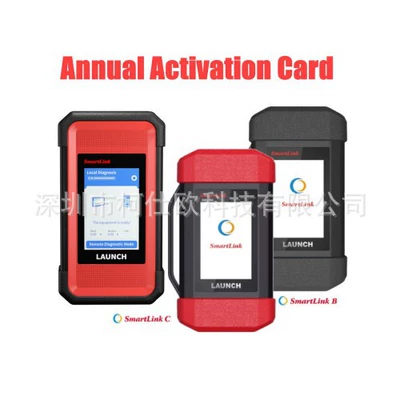
| Spesifikasiya | Xnr-ss480 Launch smartlink b/c annual fee |
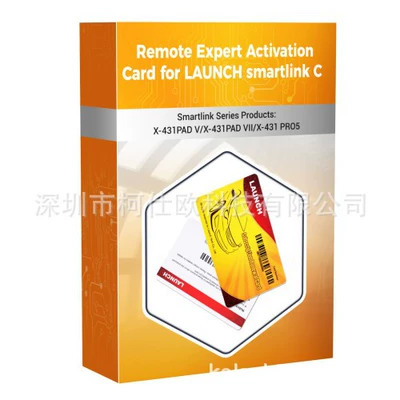
| Spesifikasiya | Xnr-ss478 Launch smartlink c activation separate c end |
| Spesifikasiya | Xnr-ss478-b Launch smartlink c activation includes x-431pad v/x-4 |
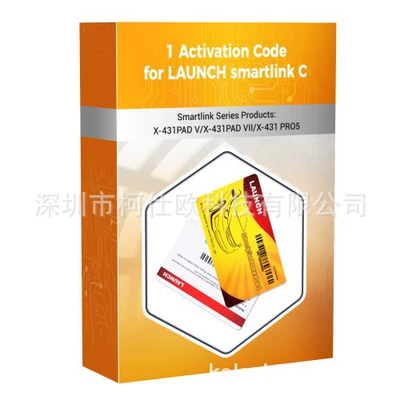
| Spesifikasiya | Xnr-ss479 Launch smartlink c next card 1 time |
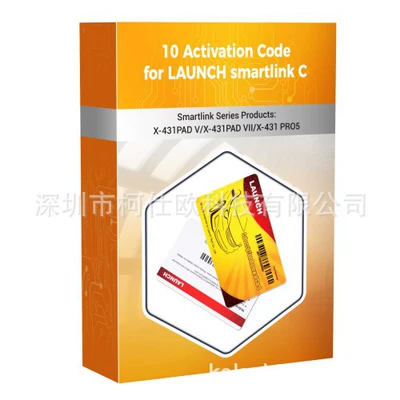
| Spesifikasiya | Xnr-ss479-10 Launch smartlink c next card 10 times |
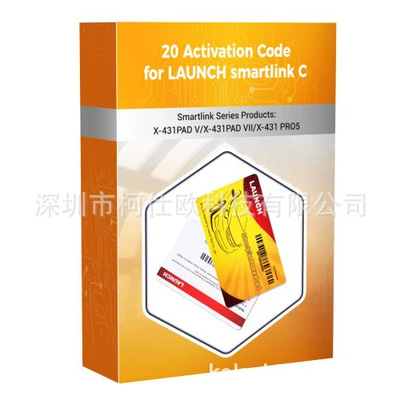
| Spesifikasiya | Xnr-ss479-20 Launch smartlink c next card 20 times |
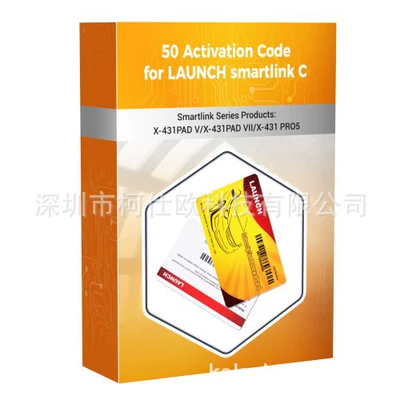
| Spesifikasiya | Xnr-ss479-50 Launch smartlink c next card 50 times |
Description
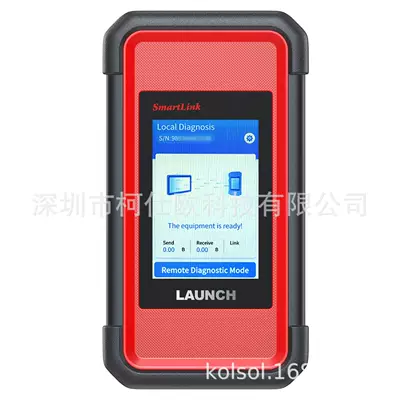
LAUNCH SmartLink C V2.0 SmartLink for Remote Diagnostics
SmartLink Remote is a new vehicle remote diagnostic technology that is completely different from the traditional remote diagnostics available.
How to activate SmartLink C Connector?
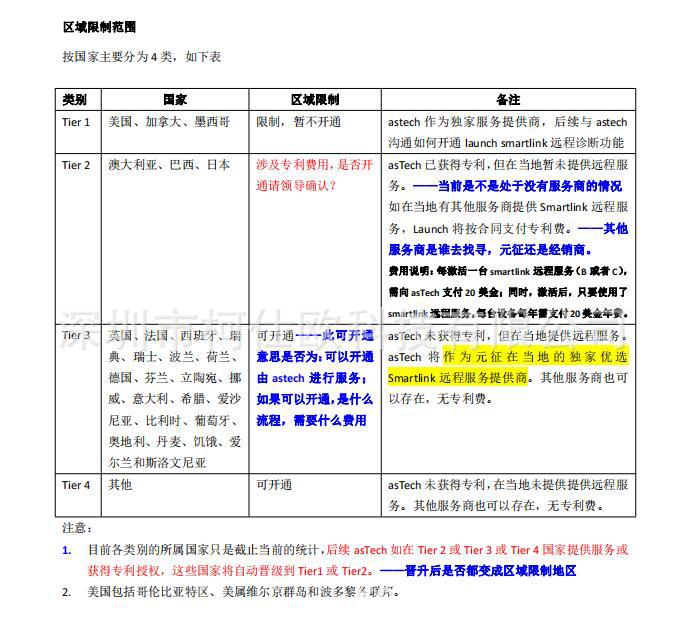
Note: North America, Australia are not supported.
Steps for SmartLink C Activation:
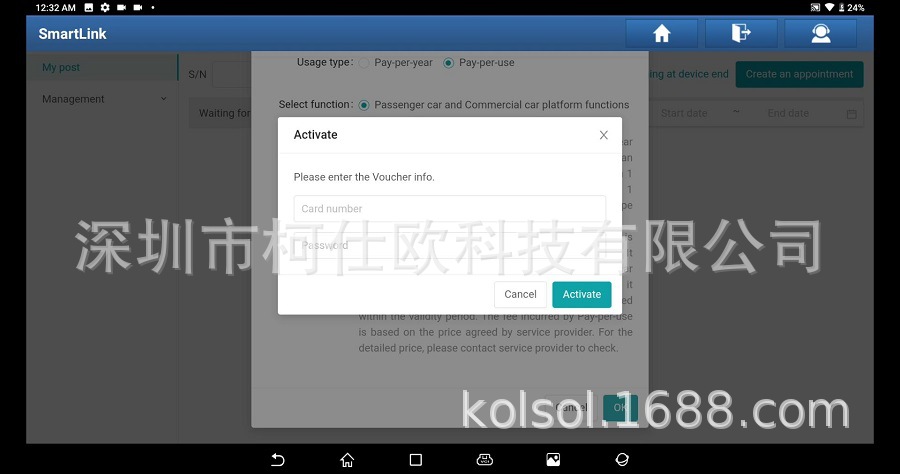
5. Enter the card number and password of the Smartlink C activation card.

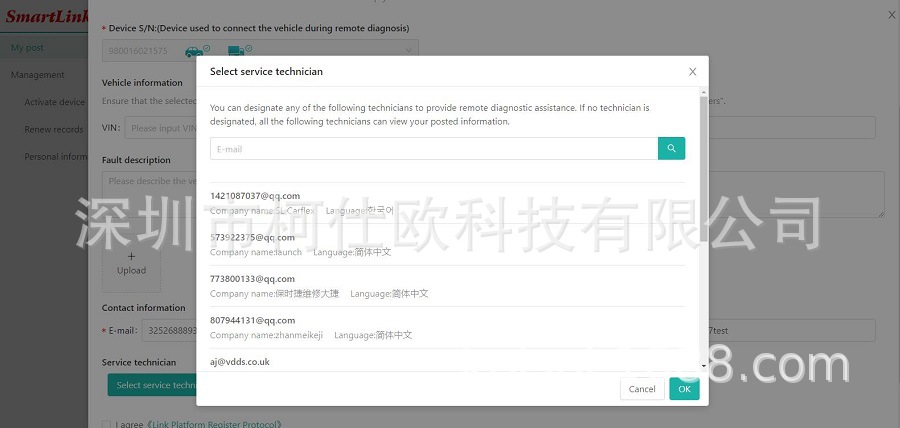
7. When choosing service technician, try to choose a service provider that you are familiar with.
8. Wait for the service provider to contact you to negotiate the processing time, etc.
Product Specifications:
How to activate SmartLink C Connector?
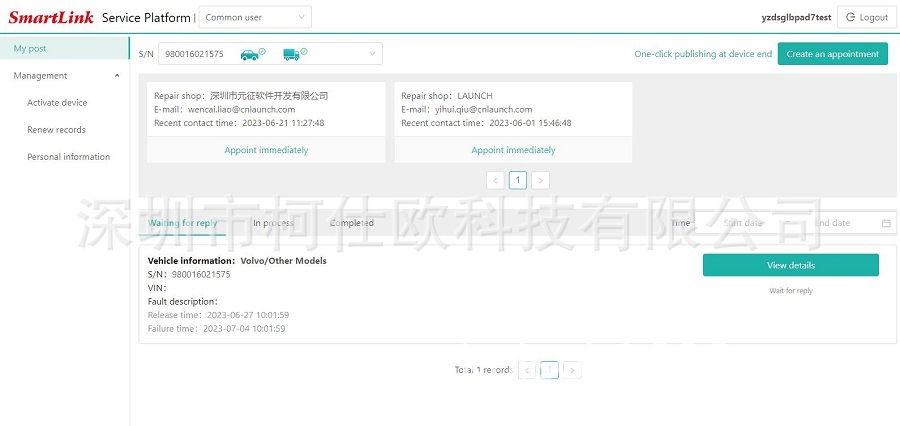
To activate the Smartlink Remote Expert function, you need to access http://smartlink.x431.com/ through the APP or through a browser.
After logging in to the smartlink remote service platform, activate the Remote Expert function of the Smartlink connector.
The smartlink Remote Expert function can only be used after the Smartlink connector is activated through the above method.
The smartlink Remote Expert function can only be used after the Smartlink connector is activated through the above method.
Note: North America, Australia are not supported.
Steps for SmartLink C Activation:
1. Log in http://smartlink.x431.com/
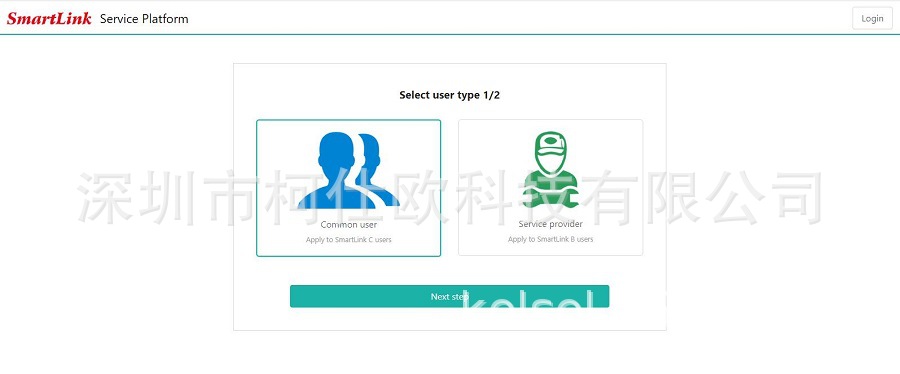
2. Select user type.
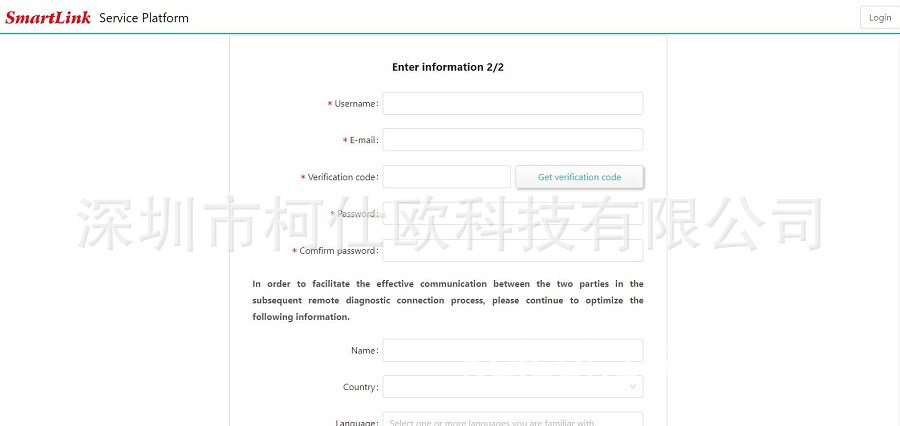
3. Fill in the registration information
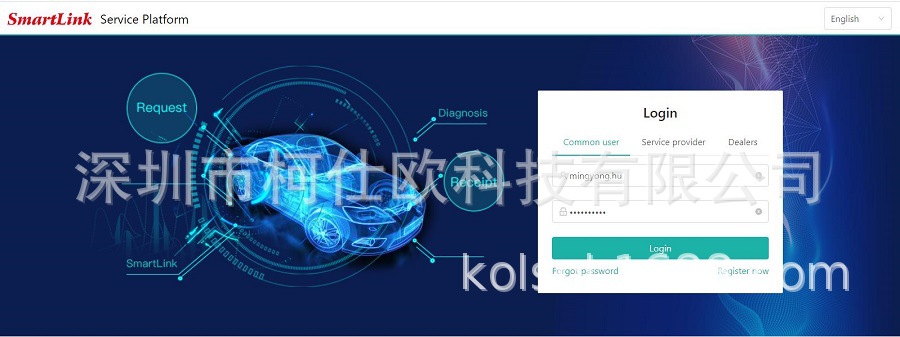
2. Select user type.
3. Fill in the registration information
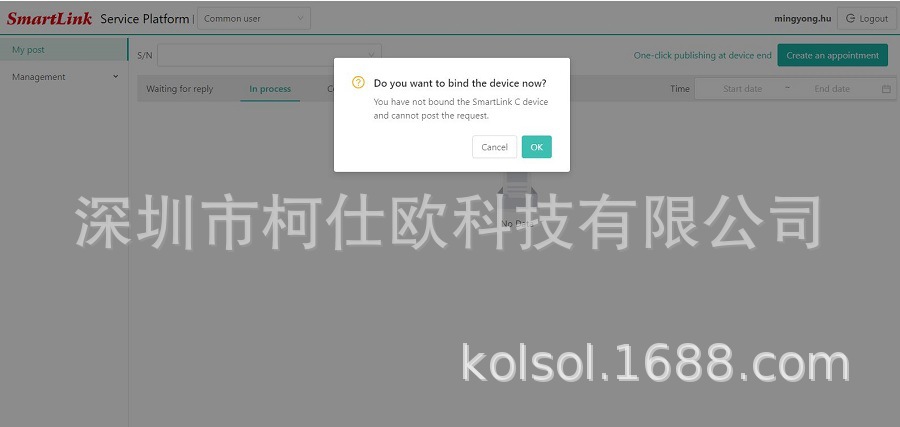
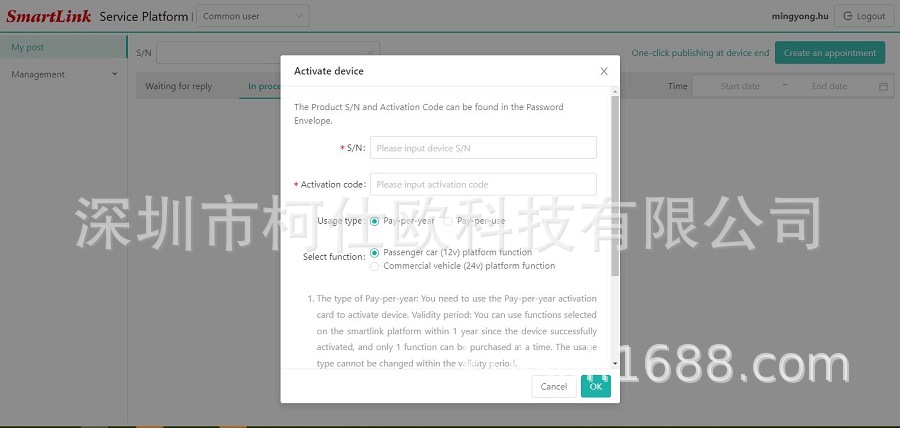
4. The binding and activation of the C-side, the serial number and activation code of the C-side are entered here.
5. Enter the card number and password of the Smartlink C activation card.
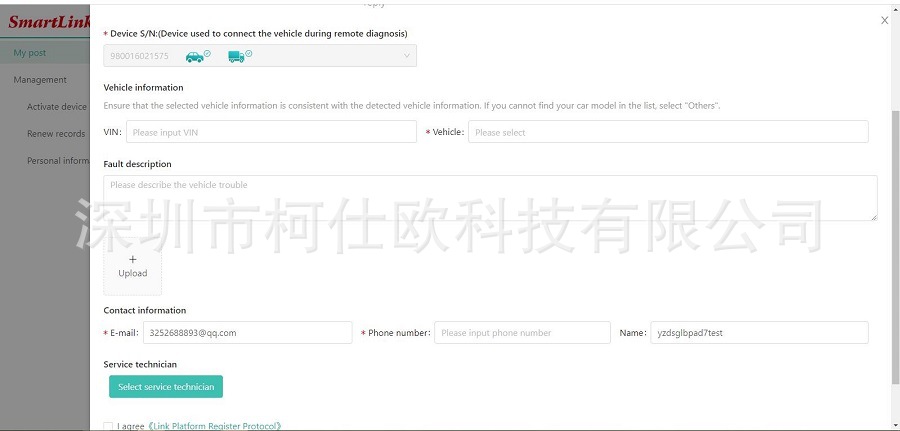
6. Enter vehicle information, contact information, etc., to submit an appointment.
7. When choosing service technician, try to choose a service provider that you are familiar with.
8. Wait for the service provider to contact you to negotiate the processing time, etc.
Product Specifications:
| Parameters | SmartLink C |
| Display Screen | 3.97-Inch single-touch screen, 320*480 |
| Working Voltage | DC 9V ~ 36V |
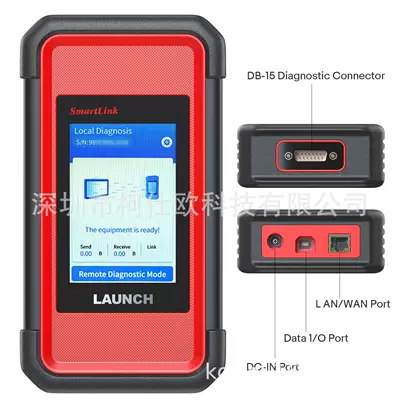
| Communication Method | Local diagnostic mode: WIFI/USB Remote diagnostic mode: Ethernet/WIFI |
| Wi-Fi | Support 2.4G/5G dual band |
| USB | Type B USB 2.0 |
| Storage | 8GB |
| Memory | 256M |
| Power Consumption | < 6W |
| Working Temperature | -10℃ ~ 50℃ |
| Dimension (length*width*height) | 204mm x 110mm x 45mm |
Package includes:
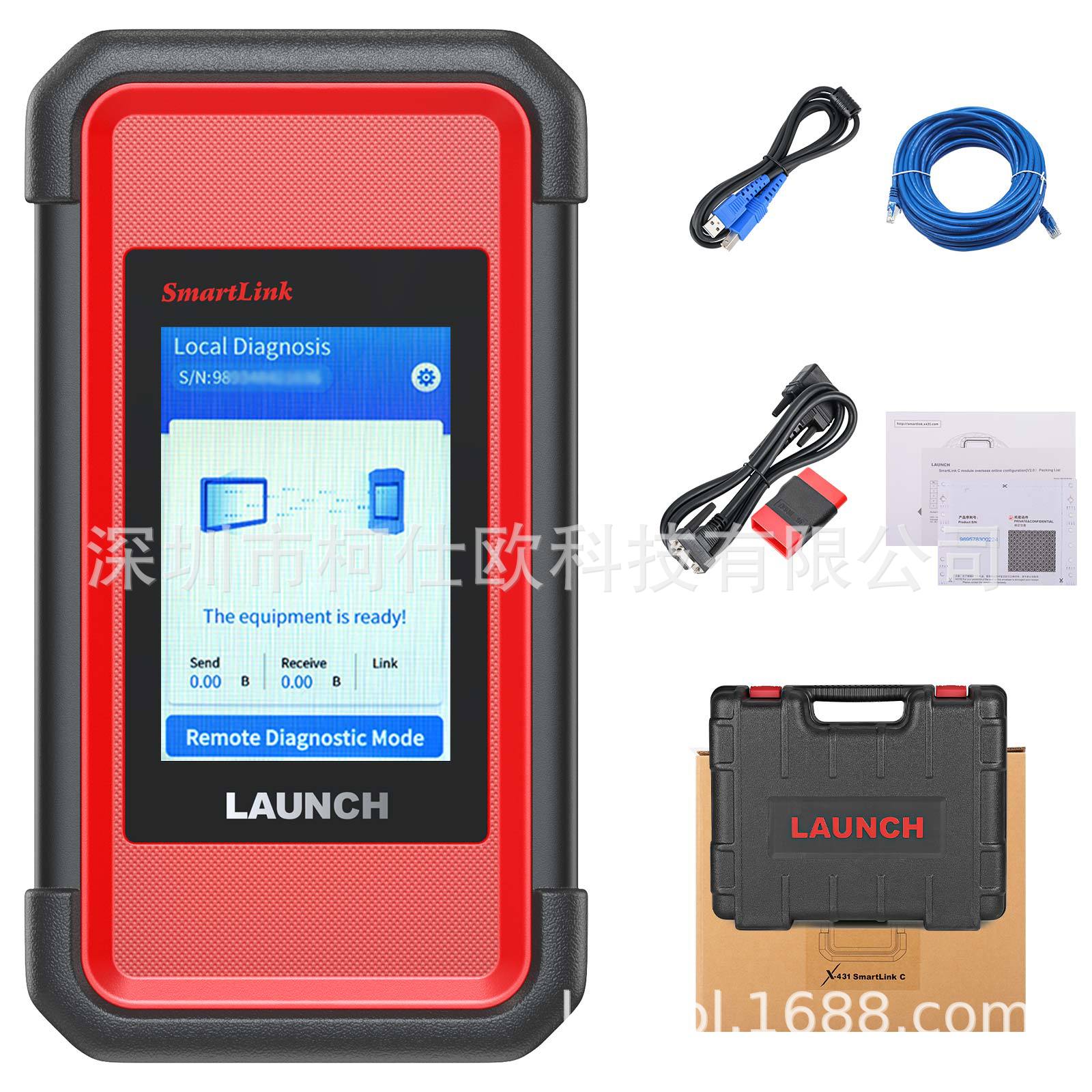
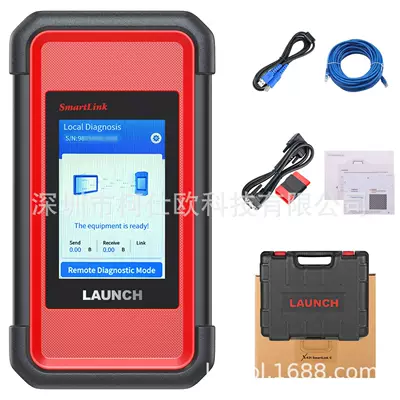
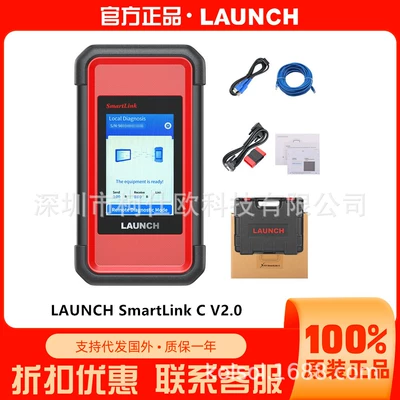
1pc x LAUNCH SmartLink C V2.0
1pc x USB cable
1pc x Ethernet cabl
1pc x main cable
1pc x OBD2 adapter

Reviews & Ratings
5
out of 5.0
(0
Reviews)
There have been no reviews for this product yet.
Related Products